Dokploy vs Coolify vs Komodo: Self-Hosted PaaS Comparison
Thursday, Dec 25, 2025
Tired of paying premium prices for Vercel, Heroku, or Netlify? Want full control over your deployment infrastructure? Self-hosted PaaS (Platform as a Service) might be the perfect solution.
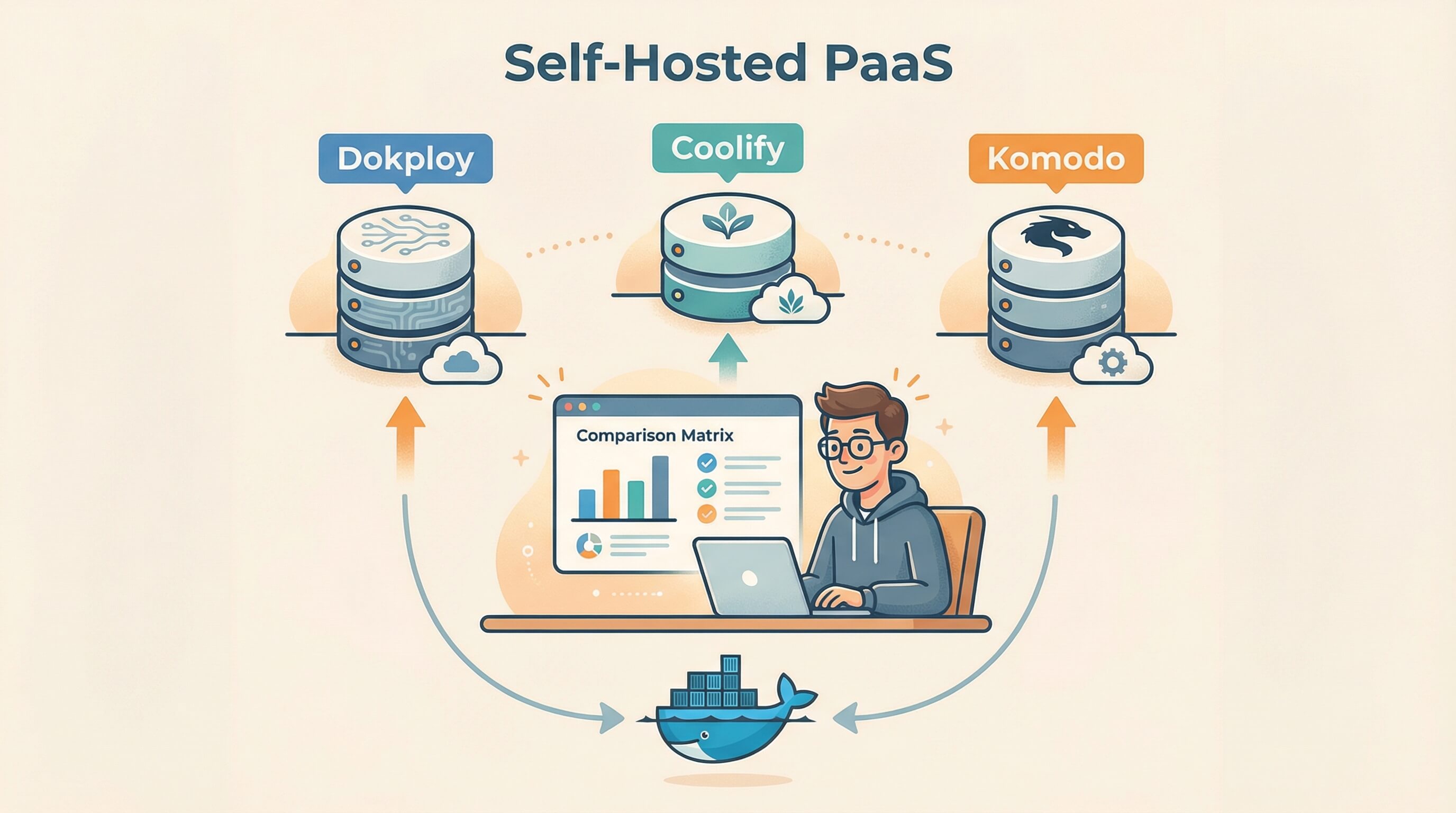
In this article, I’ll compare three popular self-hosted PaaS platforms: Dokploy, Coolify, and Komodo. Each has its own strengths and trade-offs, so you can pick the one that fits your needs best.
TL;DR - Quick Summary
| Platform | Dokploy | Coolify | Komodo |
|---|---|---|---|
| GitHub Stars | 28.4k+ | 48.7k+ | 9.2k+ |
| Language | TypeScript/Next.js | PHP/Laravel | Rust |
| Maturity | Newest (April 2024) | Most Mature | Moderate |
| Resource Usage | Medium | Medium-High | Very Low |
| License | Apache 2.0* | Apache 2.0 | GPL-3.0 |
Quick Recommendations:
- Dokploy → Modern features, Docker Swarm, preview deployments
- Coolify → Most stable, 280+ templates, comprehensive docs
- Komodo → Ultra-lightweight (Rust), distributed architecture, flexible
What is Self-Hosted PaaS?
Self-hosted PaaS is a platform you install on your own server to manage application deployments. Think Vercel or Heroku, but you’re in full control.
Benefits:
- Cheaper - Just pay for VPS, no per-project fees
- Privacy - Data stays on your server
- Full control - Configure however you want
- Unlimited projects - Deploy as many as your server can handle
1. Dokploy - The Modern Choice
Dokploy is the newest platform, launched in April 2024. Built with TypeScript and Next.js, JavaScript/TypeScript developers will feel right at home.
Tech Stack
- Backend: Node.js + Next.js + tRPC
- Database: PostgreSQL + Redis
- Reverse Proxy: Traefik (auto-configured)
- UI: React + Radix UI + Tailwind CSS
Standout Features
- Docker Swarm Support - Scale across multiple nodes
- Preview Deployments - Auto-deploy from GitHub PRs (Vercel-like)
- AI Integration - Support for Anthropic, OpenAI, Ollama, etc.
- Template Marketplace - One-click deploy various apps
- Built-in Monitoring - Real-time CPU, memory, network stats
- 2FA Authentication - Extra security layer
Installation
curl -sSL https://dokploy.com/install.sh | shSuper simple, one command and you’re running.
Build Methods
- Dockerfile
- Nixpacks
- Heroku Buildpacks
- Paketo Buildpacks
- Static sites
Pros
- ✅ Modern, polished UI
- ✅ Docker Swarm for multi-node scaling
- ✅ Preview deployments (killer feature!)
- ✅ Built-in AI integration
- ✅ Great documentation
- ✅ Cloud version available (app.dokploy.com)
Cons
- ❌ Still new, not as battle-tested as Coolify
- ❌ Fewer templates (~20 vs 280+)
- ❌ Some features have license restrictions for resale
Best For
- Developers wanting modern features
- Teams needing preview deployments
- Those scaling with Docker Swarm
- AI tool users
2. Coolify - The Mature Choice
Coolify is the most mature option among the three. With 48k+ stars, it’s the go-to choice for self-hosted PaaS.
Tech Stack
- Backend: PHP 8.4 + Laravel 12
- Database: PostgreSQL + Redis
- Reverse Proxy: Caddy (auto-HTTPS)
- UI: Laravel Livewire + Alpine.js
Standout Features
- 280+ One-Click Templates - Plausible, Ghost, n8n, and many more
- Multi-Server Support - Manage multiple servers from one dashboard
- Extensive OAuth - Google, Discord, Azure, Authentik, etc.
- Teams & Projects - Built-in organization features
- Comprehensive API - REST API with OpenAPI docs
- Health Checks - Automatic monitoring
Installation
curl -fsSL https://cdn.coollabs.io/coolify/install.sh | bashSupports various distros: Debian, Ubuntu, RHEL, Arch, Alpine.
Pros
- ✅ Most stable and battle-tested
- ✅ Largest template library (280+)
- ✅ Most comprehensive documentation
- ✅ Largest community
- ✅ Commercial support available
- ✅ Laravel ecosystem benefits
Cons
- ❌ Higher resource usage (PHP + Laravel stack)
- ❌ No Docker Swarm support
- ❌ No preview deployments
- ❌ No 2FA
Best For
- Those needing a stable, proven platform
- Users wanting lots of template options
- Teams requiring comprehensive documentation
- Laravel ecosystem familiarity
3. Komodo - The Lightweight Choice
Komodo takes a different approach - built with Rust for maximum performance and minimal resource usage.
Tech Stack
- Backend: Rust + Axum
- Database: MongoDB/FerretDB
- Architecture: Core + Periphery (distributed agents)
- UI: React 19 + Radix UI
Unique Architecture
Komodo uses a Core + Periphery model:
- Core - Main server that manages everything
- Periphery - Lightweight agents installed on each managed server
This allows Komodo to manage many servers with minimal overhead.
Standout Features
- TypeScript Actions - Custom automation with TypeScript
- Procedures - Multi-step workflows
- Terminal Access - SSH directly from UI
- Generic Provider Support - Any Git provider, any Docker registry
- Granular RBAC - Detailed role-based access control
- OpenTelemetry - Built-in distributed tracing
Installation
Core Server:
git clone https://github.com/moghtech/komodo
cd komodo
docker-compose up
Periphery Agent (on each server):
curl -sSL https://raw.githubusercontent.com/moghtech/komodo/main/scripts/setup-periphery.py | python3Pros
- ✅ Lowest resource usage (Rust = blazing fast!)
- ✅ Distributed architecture
- ✅ TypeScript automation (Actions & Procedures)
- ✅ No vendor lock-in philosophy
- ✅ All features free forever
- ✅ Terminal access to servers
Cons
- ❌ More complex setup (Core + Periphery)
- ❌ No one-click templates
- ❌ Manual database management
- ❌ Reverse proxy requires manual setup
Best For
- Resource-conscious deployments
- DevOps wanting TypeScript automation
- Self-hosting purists (no vendor lock-in)
- Managing multiple servers
Detailed Feature Comparison
Deployment & Orchestration
| Feature | Dokploy | Coolify | Komodo |
|---|---|---|---|
| Docker Compose | ✅ | ✅ | ✅ |
| Docker Swarm | ✅ | ❌ | 🔄 Planned |
| Kubernetes | ❌ | ❌ | 🔄 Planned |
| Multi-Server | ✅ | ✅ | ✅ (via Periphery) |
| Preview Deployments | ✅ | ❌ | ❌ |
Database Support
| Feature | Dokploy | Coolify | Komodo |
|---|---|---|---|
| PostgreSQL | ✅ | ✅ | Manual |
| MySQL/MariaDB | ✅ | ✅ | Manual |
| MongoDB | ✅ | ✅ | Manual |
| Redis | ✅ | ✅ | Manual |
| Auto Backup | ✅ | ✅ | Manual |
Security
| Feature | Dokploy | Coolify | Komodo |
|---|---|---|---|
| 2FA | ✅ | ❌ | ❌ |
| OAuth/SSO | ✅ | ✅ (7 providers) | ✅ (OIDC) |
| RBAC | Basic | Basic | ✅ Granular |
| Auto SSL | ✅ | ✅ | Manual |
Monitoring & Notifications
| Feature | Dokploy | Coolify | Komodo |
|---|---|---|---|
| Resource Monitoring | ✅ | ✅ | ✅ |
| Slack | ✅ | ❌ | ❌ |
| Discord | ✅ | ❌ | ✅ |
| Telegram | ✅ | ❌ | ❌ |
| ✅ | ✅ | ❌ | |
| Webhooks | ✅ | ✅ | ✅ |
Resource Usage Comparison
This matters a lot if you’re running on a limited VPS:
| Platform | RAM Usage | CPU Usage | Startup Time |
|---|---|---|---|
| Dokploy | 500MB - 1GB | Medium | ~30s |
| Coolify | 600MB - 1.2GB | Medium | ~60s |
| Komodo Core | 100-200MB | Low | <10s |
| Komodo Periphery | 20-50MB | Very Low | <5s |
Komodo clearly wins here thanks to Rust.
Recommendations by Use Case
”I want the easiest and most stable option”
→ Coolify
Comprehensive documentation, large community, and 280+ templates. Just install and start deploying various apps immediately.
”I want modern features like Vercel”
→ Dokploy
Preview deployments, AI integration, and Docker Swarm support. Perfect for those wanting a Vercel-like experience but self-hosted.
”I want the lightest and most flexible option”
→ Komodo
Minimal resource usage, TypeScript automation, and distributed architecture. Perfect for managing multiple servers or running on limited VPS resources.
”I’m a beginner just learning”
→ Coolify or Dokploy
Both have one-click install and user-friendly UIs. Avoid Komodo initially as the setup is more complex.
”I need to scale to multiple servers”
→ Dokploy (Swarm) or Komodo (Periphery)
Coolify supports multi-server but lacks orchestration. Dokploy has Docker Swarm, Komodo has distributed agents.
Conclusion
All three platforms are excellent for self-hosted PaaS, but each has different strengths:
- Dokploy - Modern, feature-rich, Docker Swarm
- Coolify - Mature, stable, most templates
- Komodo - Lightweight, flexible, automation-focused
Your choice depends on your needs. If you’re just starting out, I recommend Coolify for its maturity and comprehensive documentation. If you want modern features like preview deployments, try Dokploy. And if you prioritize efficiency and flexibility, Komodo is the answer.
Happy deploying! 🚀